Video, news, and additional-page sitemaps for WordPress
Extend your XML sitemap so search engines can discover your videos, news, and extra pages.
Plan: All Pro plans
On this page
- What it does
- Add a video sitemap
- Add a news sitemap
- List additional pages
- Settings reference
- Limits and good to know
- FAQ
What it does
An XML sitemap tells search engines which URLs on your site to crawl. DefiniteSEO Pro extends
the core sitemap with specialized entries: a video sitemap so search engines understand your
embedded videos, a news sitemap for time-sensitive articles, and an additional pages
list for URLs that are not standard posts or pages. You can also include extra post types in the
sitemap index.
Add a video sitemap
- Open the DefiniteSEO Sitemap settings and select the Video sitemap tab.
- Configure the video sitemap options.
- Save your settings.
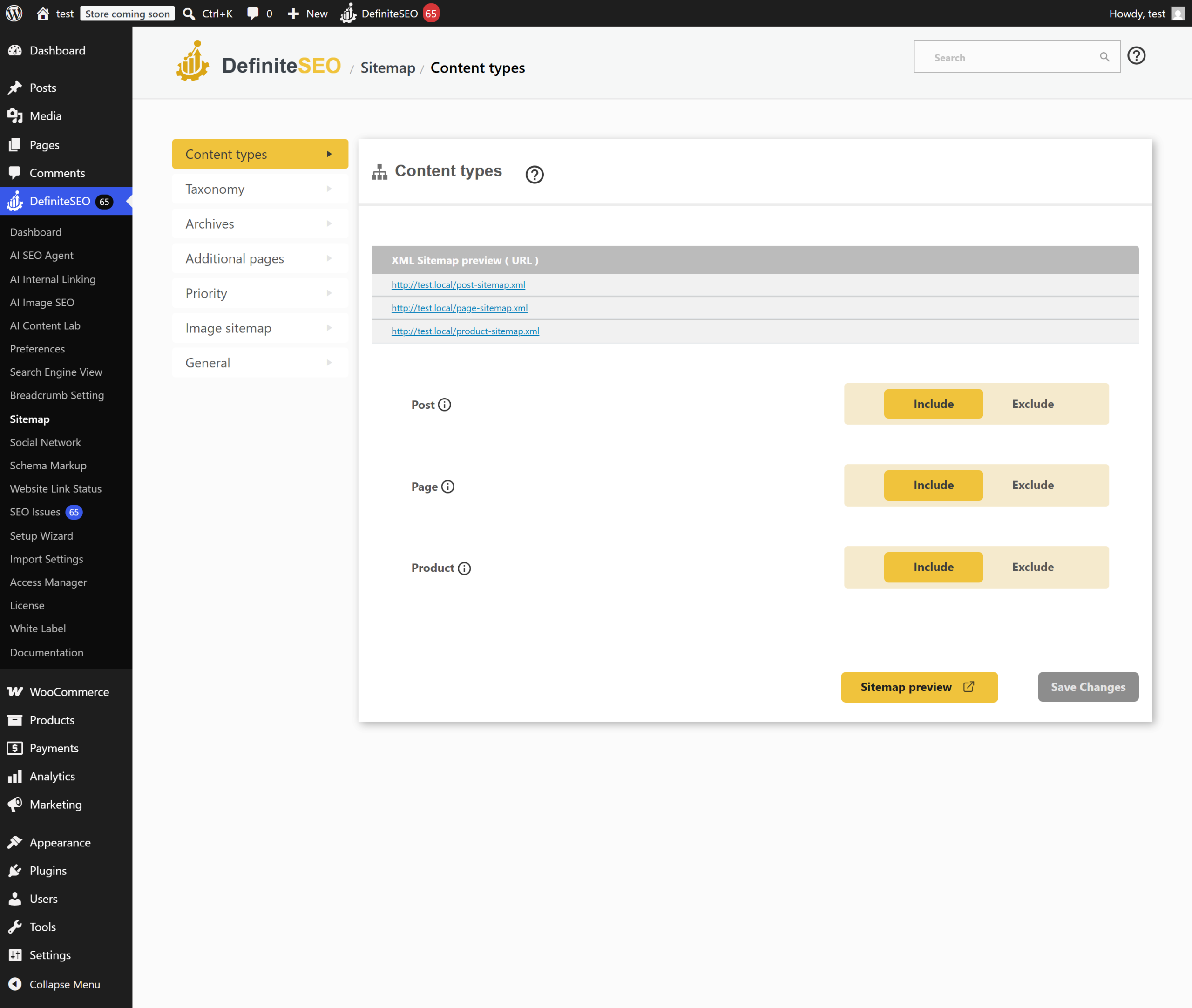
Add a news sitemap
- Open the DefiniteSEO Sitemap settings and select the News sitemap tab.
- Configure the news sitemap options for the content you publish as news.
- Save your settings.
List additional pages
- Open the DefiniteSEO Sitemap settings and select the Additional pages tab.
- Add the extra URLs you want search engines to discover.
- Save your settings.
Tip: Use the additional pages list for important URLs that are not standard WordPress posts
or pages, so they still appear in your sitemap.
Settings reference
| Setting | What it does | Default | Notes |
|---|---|---|---|
| Video sitemap | Add a sitemap describing your videos | Off | Configure on the Video tab |
| News sitemap | Add a sitemap for news articles | Off | Configure on the News tab |
| Additional pages | Include extra URLs in the sitemap | None | Add URLs on the Additional pages tab |
| Extra post types in index | Include more post types in the sitemap index | Follows configuration | Adds selected post types to the index |
Limits and good to know
- Plan: Available on all Pro plans.
- Core sitemap: These options extend the standard DefiniteSEO sitemap rather than replace it.
- Submit to search engines: Submit your sitemap URL in Google Search Console and Bing
Webmaster Tools after enabling new sitemap types.
FAQ
What is the difference between a normal sitemap and a video or news sitemap?
A normal sitemap lists your page URLs. A video sitemap adds details about embedded videos, and a
news sitemap flags time-sensitive articles, so search engines can treat that content
appropriately in video and news results.
How do I add a page that is not a normal post to my sitemap?
Use the Additional pages tab to list the extra URLs. They are included in your sitemap alongside
your standard posts and pages.
Do I need to submit the new sitemaps to Google?
Your main sitemap URL is what you submit to Google Search Console and Bing Webmaster Tools. After
enabling video, news, or additional pages, confirm they appear and resubmit if needed.
Related
- Block AI crawlers and unwanted bots: control which crawlers reach your site.
- Settings reference: all settings in one place.