SEO Autofix: fix WordPress on-page SEO issues automatically
Find on-page SEO issues and fix them, one issue at a time or in bulk, with a full undo history.
Plan: All Pro plans (AI-powered fixes require Business)
On this page
What it does
SEO Autofix is the engine behind DefiniteSEO Pro. It analyzes a post for on-page SEO issues,
such as missing meta descriptions, weak titles, un-optimized headings, and disabled schema, and
applies a fix for each one. Every fix is reversible for 30 days, so you can fix confidently and
roll back anything you do not like. Autofix powers the editor Fix buttons, the bulk action, and
the AI SEO Agent.
How to use it
Fix issues on a single post
- Open a post or page in the WordPress editor.
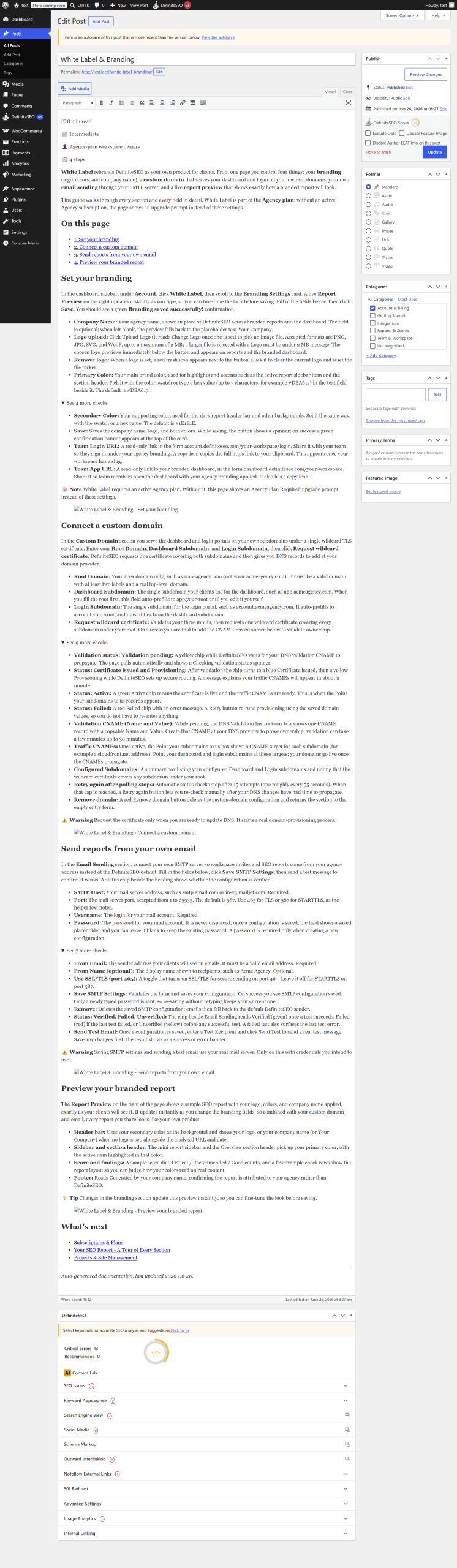
- In the DefiniteSEO sidebar, open the Points to improve panel.
- Select Fix next to an individual issue, or Fix all critical to resolve every flagged
critical issue at once. - The panel refreshes to show the issues as resolved.
Bulk-fix critical issues across many posts
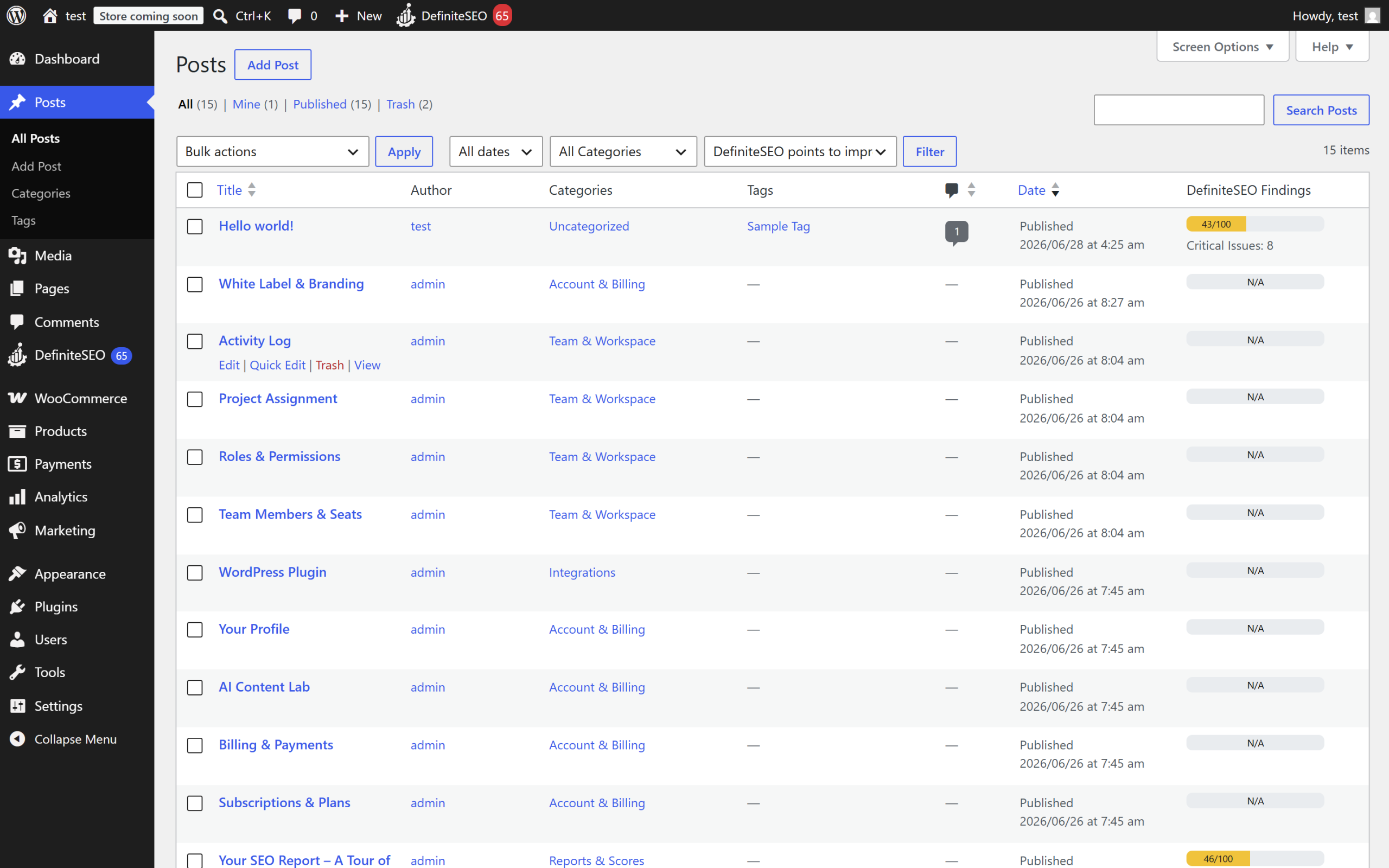
- Go to Posts > All Posts (or Products for WooCommerce).
- Select the posts you want to fix.
- In Bulk actions, choose Auto-Fix critical issues, then select Apply.
- The posts are queued and fixed in the background. A notice confirms how many were queued.
Undo a fix
- Open the module's Activity log.
- Select Undo on a single change or a whole run.
The fixers
Autofix applies small, focused fixers, grouped by how they work:
- Mechanical fixers (free, deterministic): no AI, no credits. Examples: turn off noindex,
set a canonical, enable schema, enable the sitemap, enable breadcrumbs, create a robots.txt
rule, demote a duplicate H1. - AI fixers (use credits): generate optimized text. Examples: meta title, meta description,
image alt text, image title, keyword in H2 or H3, keyword in the first paragraph,
keyword-density reduction, Open Graph and Twitter card pairs, schema title and description,
and author schema. - Suggest-only fixers (read-only): propose a change without applying it, such as a suggested
permalink. These never run automatically.
Tip: On the AI SEO Agent page you can force any individual
fixer on or off, overriding the profile defaults.
Settings reference
Autofix has a small set of preferences. Most behavior is controlled per run or by the AI SEO
Agent profile.
| Setting | What it does | Default | Notes |
|---|---|---|---|
| Fix button mode | Which buttons appear in the editor panel: per-issue, "Fix all critical", or both | Both | Values: per_issue, fix_all, both |
| Run autofix on unpublished posts | Also process drafts, pending, private, and scheduled posts | Off | When off, only publish posts are fixed. Trash, auto-drafts, and revisions are always skipped |
Limits and good to know
- Plan: Mechanical fixes work on any Pro plan; AI fixes require Business or higher.
- Credits: Mechanical fixes cost nothing. AI fixes use credits per generation.
- Undo: Every change is reversible for 30 days from the Activity log.
- Background behavior: Bulk runs process in batches in the background, so large sites finish
over several runs. - Editors: Body changes are applied safely across the Classic editor, the block editor
(Gutenberg), and Elementor.
FAQ
What is the difference between a mechanical fix and an AI fix?
A mechanical fix is deterministic and free. It toggles a setting or inserts a fixed value, such
as a canonical URL or a schema flag. An AI fix generates new text (a meta description, an image
alt text) and uses credits. Both are reversible.
Can I undo a bulk autofix?
Yes. Open the Activity log and select Undo on the run to revert every post it changed, or
undo an individual change. Undo is available for 30 days.
Does autofix change my published content without asking?
In the editor you choose exactly which fixes to apply. The bulk action only runs when you select
posts and choose Auto-Fix critical issues. For hands-off automation you opt in separately via
the AI SEO Agent.
Will autofix touch my drafts?
Only if you turn on Run autofix on unpublished posts. By default it processes published posts
only.
Related
- AI SEO Agent (Autopilot): run autofix automatically on a schedule.
- Quick start: your first SEO autofix: a guided first run.
- Settings reference: all settings in one place.